WhatsApp Copilot
Your business, one WhatsApp message away.
WhatsApp Copilot is Grialink’s reporting assistant for business owners and managers. It sends scheduled reports to your verified WhatsApp number and answers questions about your account metrics in the same chat. Customer replies are handled separately by Grial Mind.
Included on Pro and Scale plans
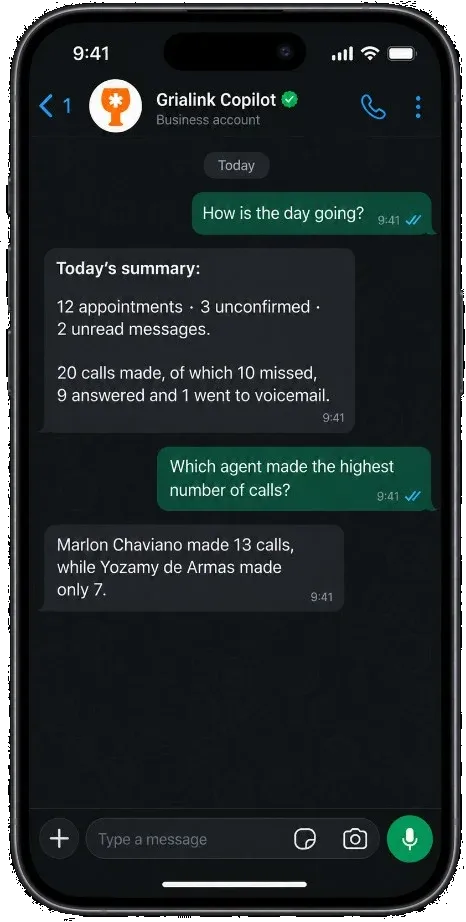
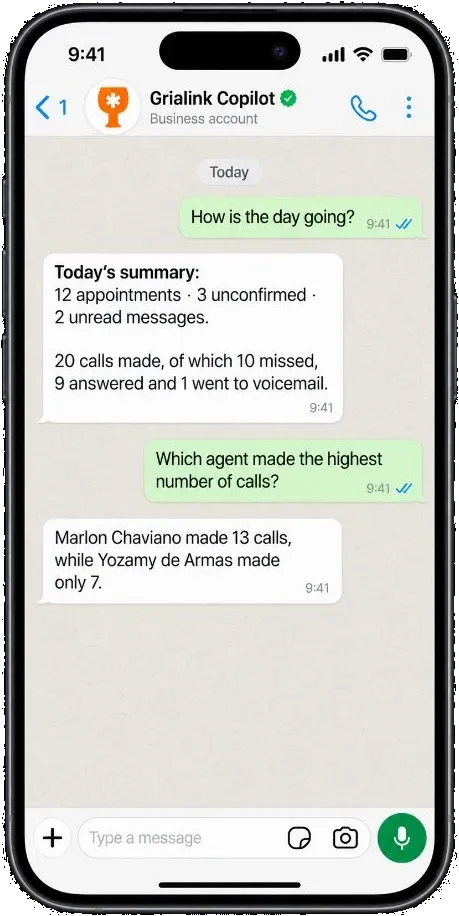
- Daily, weekly or monthly
- English and Spanish
- Ask in plain language
- Included on Pro and Scale
The numbers exist. Nobody has time to go and get them.
Business owners do not avoid reporting because it is hard. They avoid it because it sits behind a login they open once a fortnight.
-
01
The report is always a week old
By the time somebody exports the figures, the week they describe is over and the decision has already been made without them.
-
02
One person is the bottleneck
Every question about performance goes through whoever knows where the dashboard lives — and waits until they are free.
-
03
Slow drift goes unnoticed
Missed calls creeping up or one agent quietly converting less does not announce itself. You find it a quarter later.
What changes once it is connected
-
You start the day already informed
The summary is in your phone before you reach the business, so the morning conversation starts from facts instead of impressions.
-
Your reports in your WhatsApp
A question in the chat gets an answer from live account data — without handing another person a dashboard login.
-
Problems surface the same week
A drop in answered calls or a stalled stage shows up in the next scheduled report, not in a quarterly review.
Connected in three steps
Setup is a one-time job and takes about as long as adding a contact.
-
Add your WhatsApp number
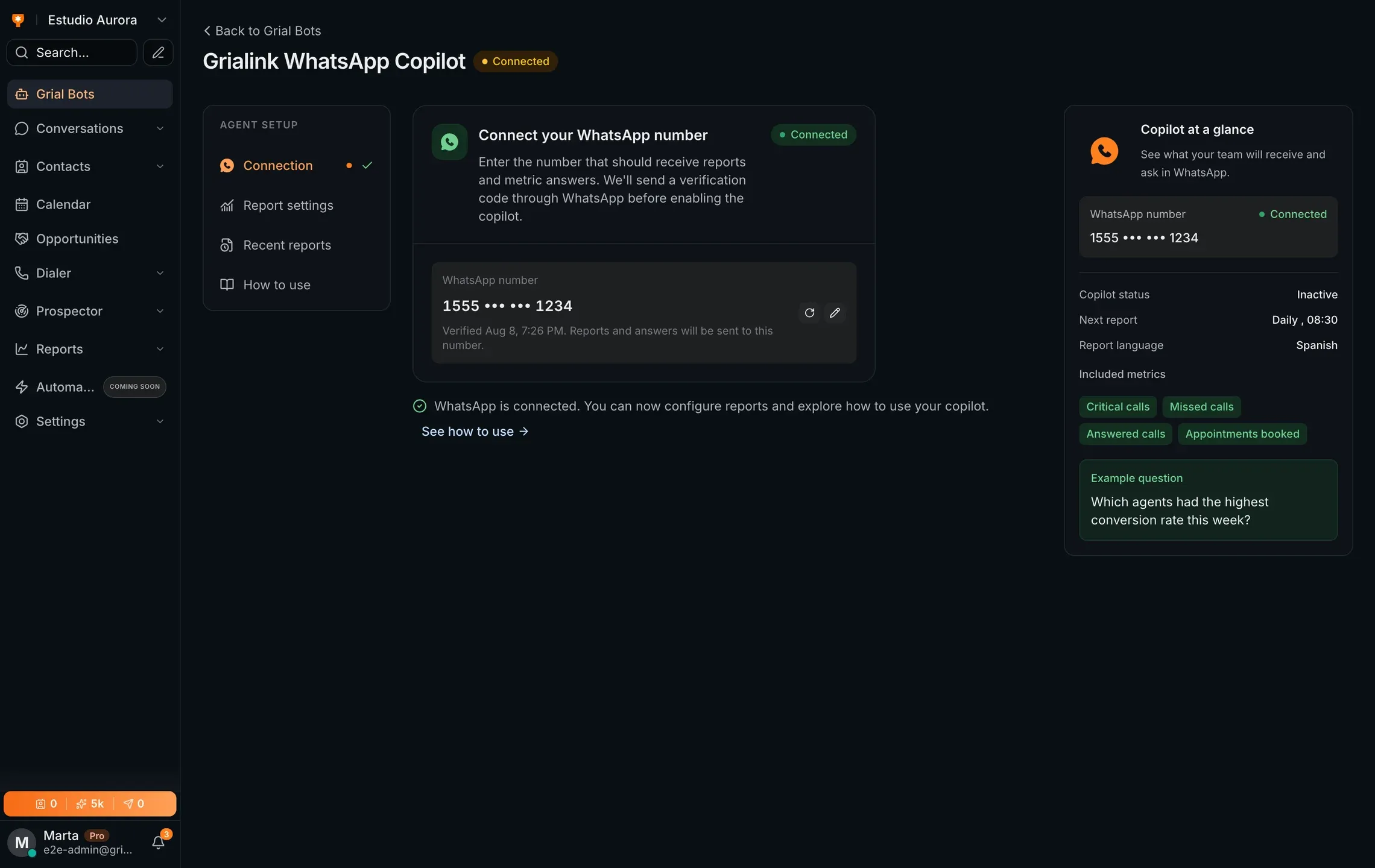
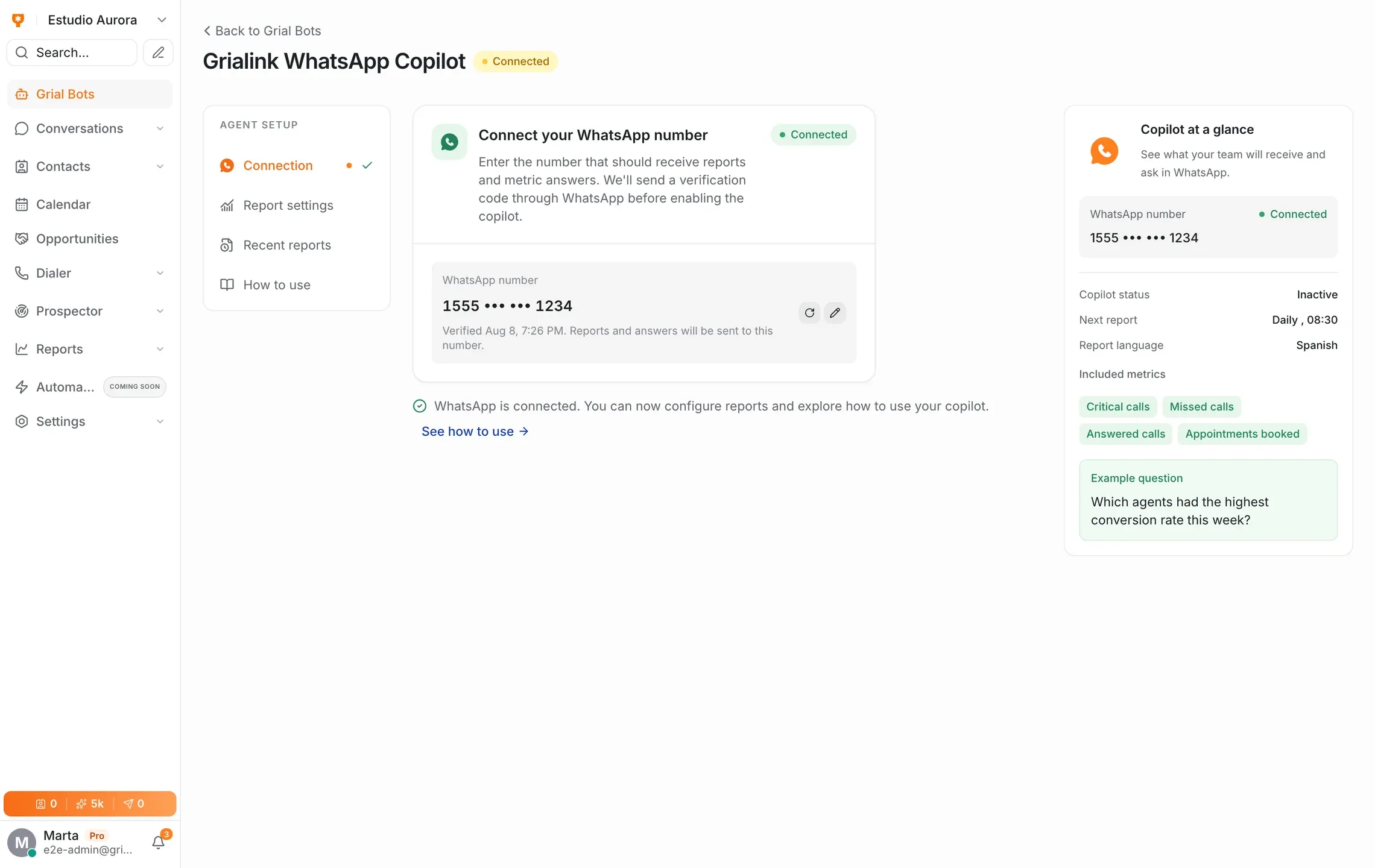
Enter the number the reports should go to. Grialink sends a verification code to confirm it is yours.
-
Choose what and when
Pick the metrics you care about, the frequency — daily, weekly or monthly — and the language of the report.
-
Activate and forget it
The copilot starts sending on schedule. From then on you can also just message it whenever a question comes up.
The reports
What it can tell you
The copilot answers from the same data your reports are built on, so the chat and the dashboard never disagree.
- Scheduled reports — daily, weekly or monthly, in English or Spanish
- Choose the metrics: appointments booked, calls answered and missed, conversion
- Free-form questions answered from your live account data
- Number verified by code before anything is sent
- Report history kept in the app so you can look back
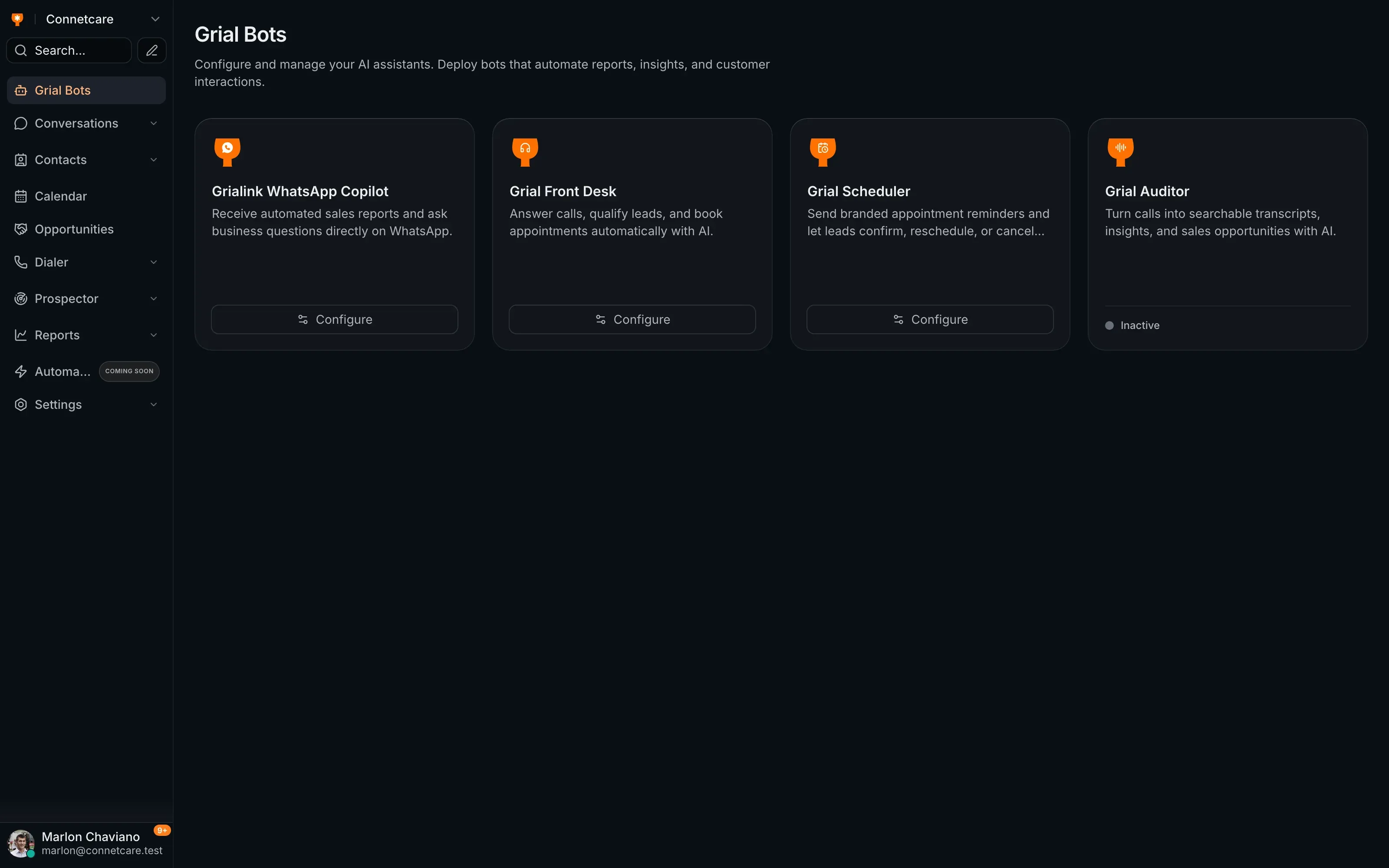
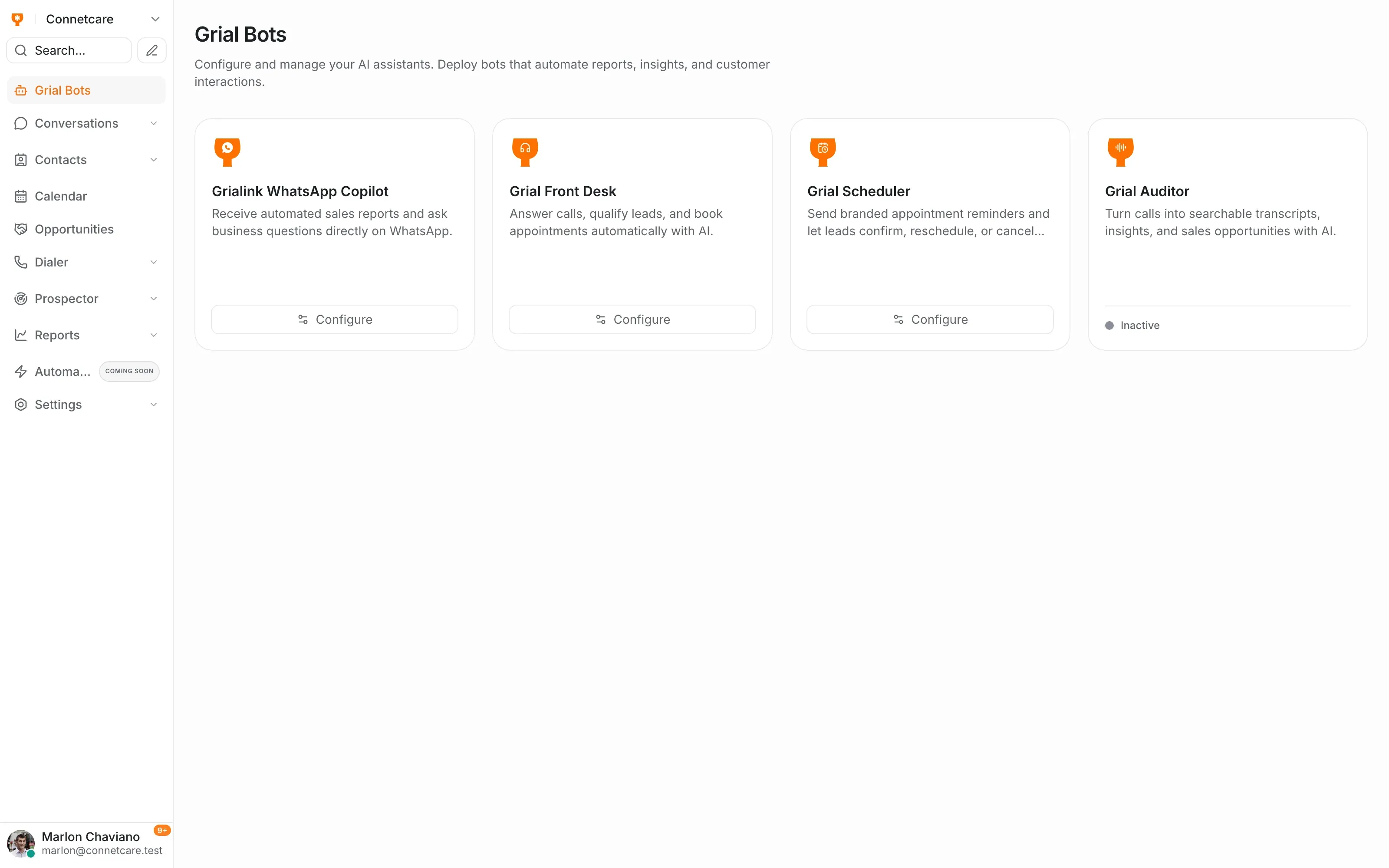
Grial Bots
Your AI agents, managed from one place
The copilot lives alongside Grial Mind, the receptionist, the scheduler and call analysis. Configure them from the same screen and turn each on when you need it.
- Every agent configured from one Grial Bots screen
- Turn an agent on or off without touching the others
- Shared AI credits across every agent on the plan
Everything the copilot handles
-
Scheduled delivery
Daily, weekly or monthly, at the hour you pick.
-
Your metrics only
Choose which figures appear — the rest stay out of the report.
-
Two languages
Reports and answers in English or Spanish, set per number.
-
Verified numbers
A code confirms the number before a single report is sent.
-
Report history
Past reports stay in the app, so you can look back without scrolling WhatsApp.
-
No new app
It arrives in the WhatsApp your team already has open all day.
When people actually use it
-
The Monday morning check
The weekly report lands before the team meeting, so the meeting is about what to do rather than what happened.
-
The question you have at 9pm
You wonder how the Meta campaign converted this week. You ask in the chat and get the number, without opening a laptop.
-
Check the business away from the office
Ask about available account metrics from the verified number without opening the dashboard.
Before you connect it
What is WhatsApp Copilot?
WhatsApp Copilot is Grialink’s reporting assistant for business owners and managers. It sends scheduled reports to your verified WhatsApp number and answers questions about your account metrics in the same chat. Customer replies are handled separately by Grial Mind.
Is this the assistant that replies to my clients?
No. WhatsApp Copilot talks to you about your business — it sends your reports and answers your questions. Replying to clients on WhatsApp is handled in the Grialink inbox, and answering the phone is handled by Grial Front Desk. They are separate products.
Do I need a WhatsApp Business API account?
No. You verify a normal WhatsApp number with a code and the copilot messages that number. The reports arrive as ordinary WhatsApp messages.
Who else can see the reports?
Reports are sent to the verified number in your account configuration. Check who controls that number before enabling delivery.
What happens if I change my phone number?
You can change the number from the Connection tab at any time. The new number is verified by code the same way, and reports move across.
Which plans include it?
WhatsApp Copilot is included on the Pro and Scale plans. Questions asked in the chat draw on your plan’s AI credits.
One connected platform
Connect the rest of your workflow
Connect your next conversation to the next step.
Start with a free account or request a demo. Discover how Grialink connects customer service, sales and follow-up with AI agents and tools your team can control.
No card for the Free plan · Features and usage vary by plan