1 Who it runs for
Enrol the contacts
Add a contact, a segment or a whole prospecting list. A sequence is a plan you attach to people, not a one-off send.
Sequences
Grialink Sequences automates follow-up through email, WhatsApp and SMS using connected channels. Combine messages and wait steps, set sending windows and reply handling, and track each contact’s progress from one workspace.
Your own sending domains, verified by DNS
1 Who it runs for
Add a contact, a segment or a whole prospecting list. A sequence is a plan you attach to people, not a one-off send.
2 What it does
WhatsApp, email, SMS and waits in the order you want. You build the follow-up a good salesperson would do, and then stop rebuilding it.
3 When it runs
Each step goes out on its day, inside the sending window you set, whether or not anyone remembered this contact existed.
4 How it ends
The moment they answer, the sequence stops and the conversation moves to your inbox. Nobody gets chased after replying.
WhatsApp, email, SMS and waits, in any order you need.
Messages only go out during the hours you choose.
Answering removes the contact from the sequence automatically.
See which message opens, which books, and which is ignored.
Send from your own domain, verified through DNS records.
Rework the wording of a sequence without starting from scratch.
The sequence
A step is a WhatsApp message, an email, an SMS or a wait. Put them in the order a good follow-up would go, and the sequence repeats it for every contact you enrol.
Reach them on the channel they already answer, from your connected number.
Hold for hours or days before the next step, inside your sending window.
A written follow-up from your own verified domain, tracked step by step.
A short nudge for the moments a longer message would go unread.
The numbers
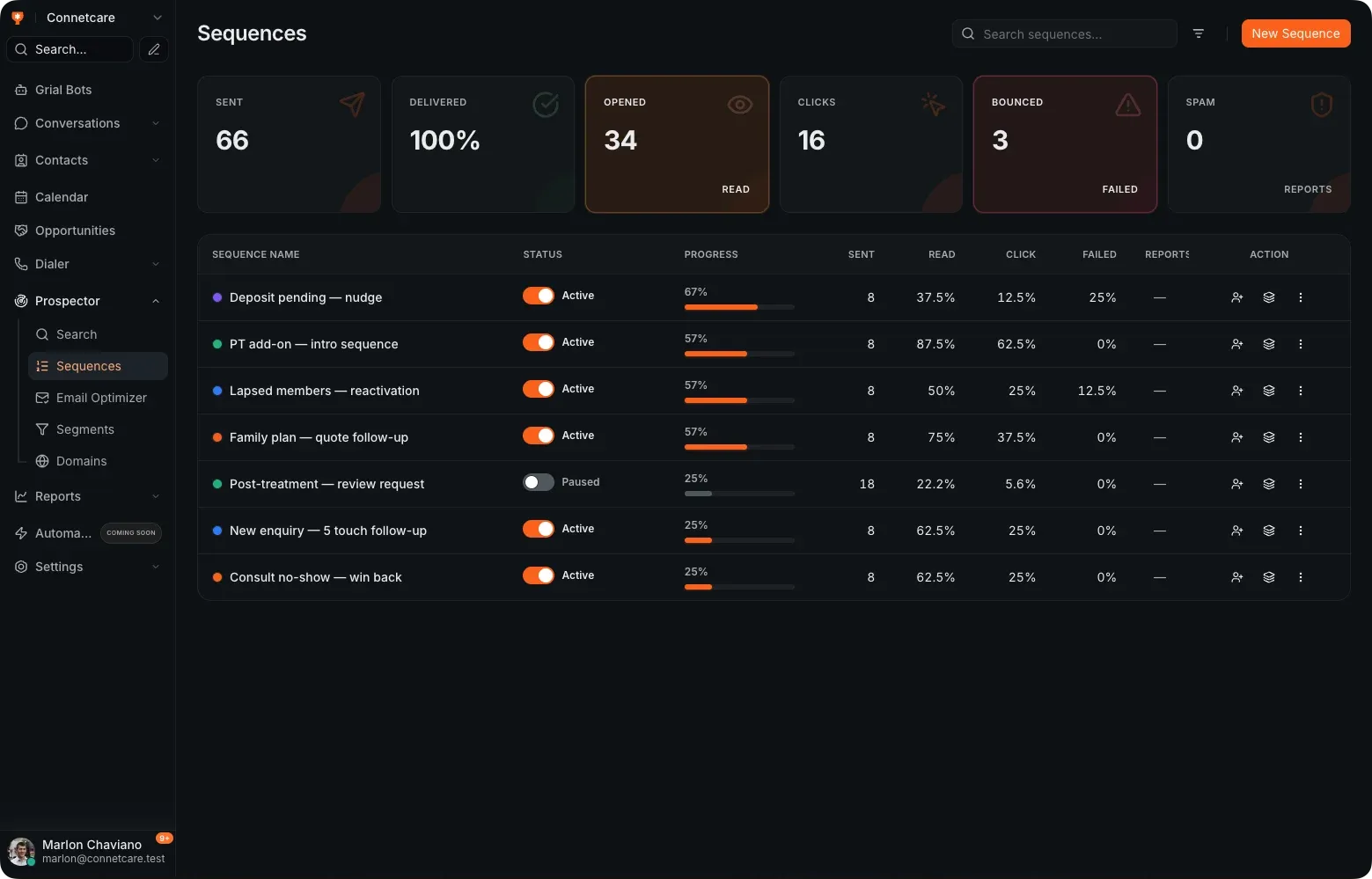
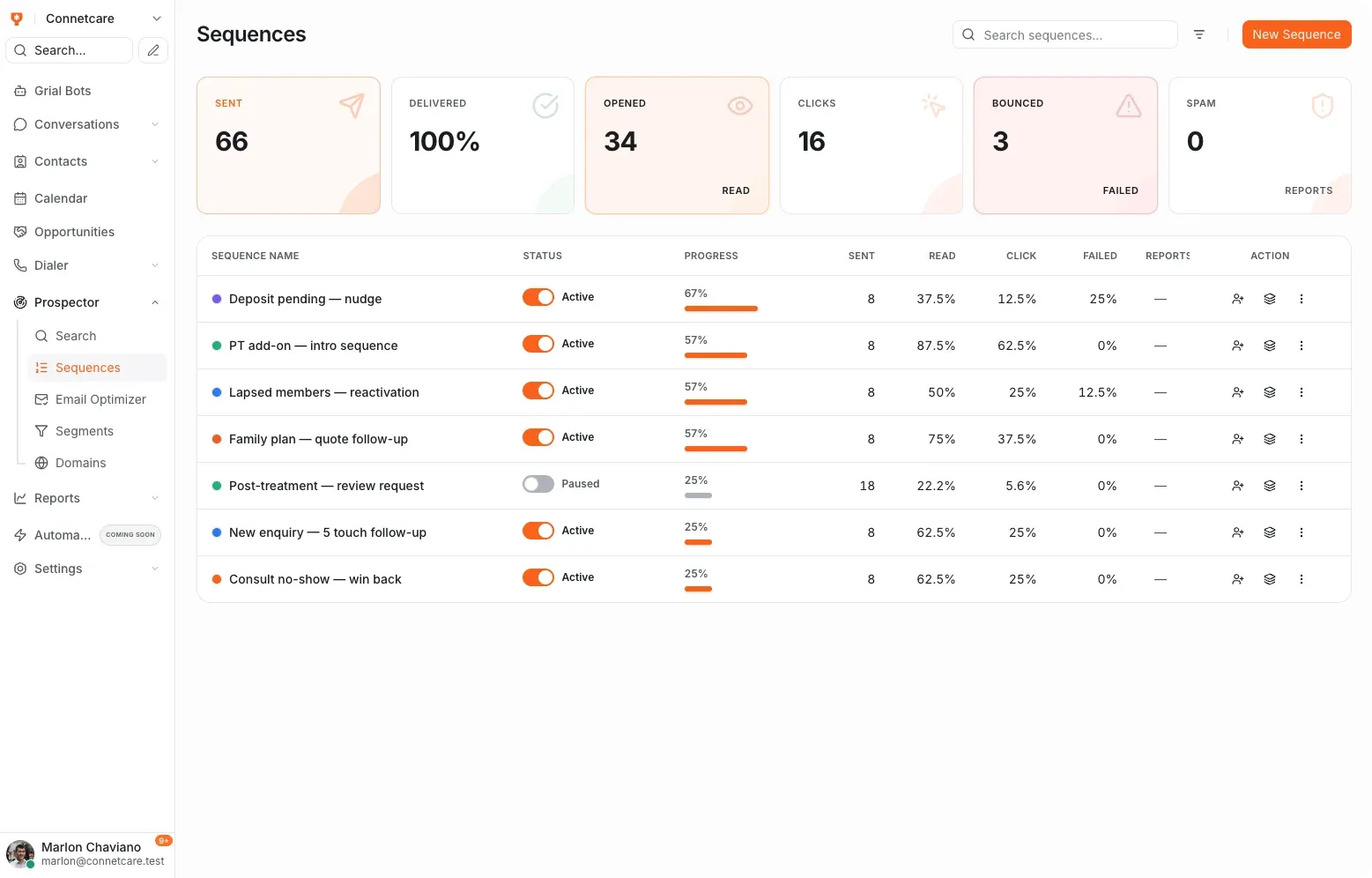
Sent, delivered, opened, clicked, bounced and marked as spam — per sequence and per step, so you can see which follow-up is working before you scale it.
The reply
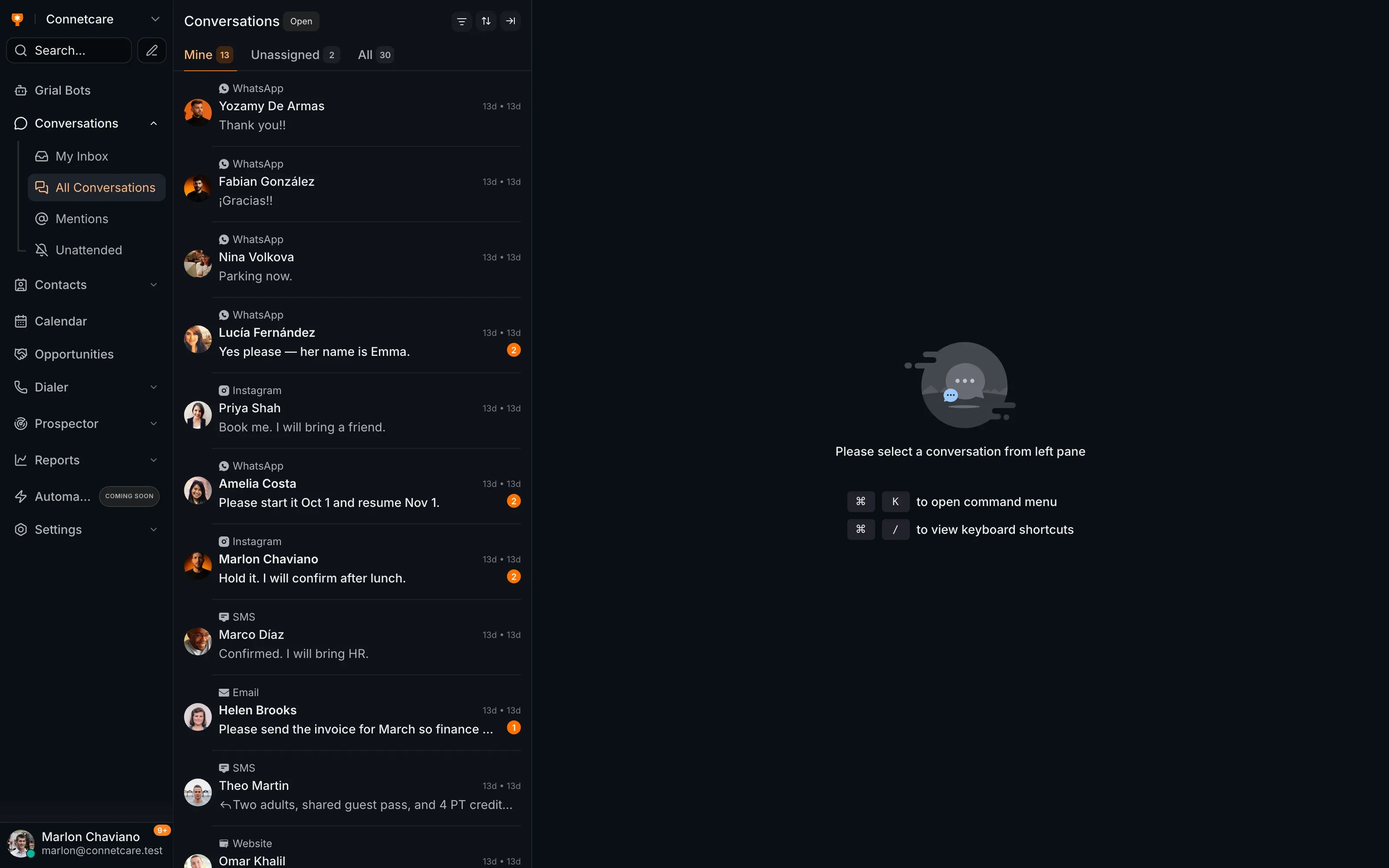
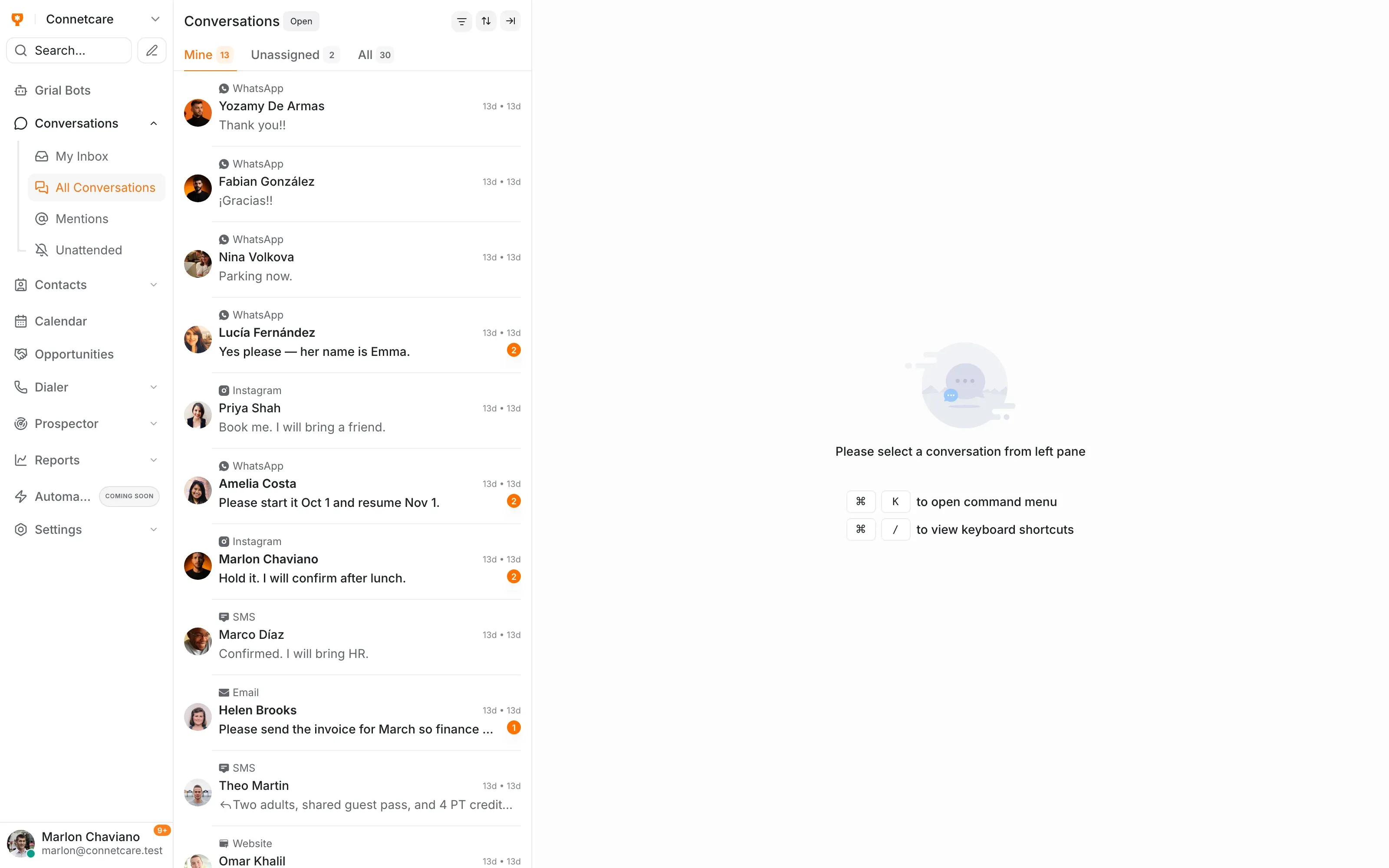
A reply stops the sequence and appears in the shared inbox next to the client's record, so the conversation carries on with a person instead of another automated email.
The people who asked about a price and never came back get a second and third message automatically.
A check-in after the visit, timed in days, without anyone diarising it.
A sequence to people who have not booked in a year, running in the background.
Grialink Sequences automates follow-up through email, WhatsApp and SMS using connected channels. Combine messages and wait steps, set sending windows and reply handling, and track each contact’s progress from one workspace.
You can configure a sequence to stop when a contact replies. Check its reply action before activation; behaviour depends on that setting.
Yes, and you should. You add your domain and verify it through DNS records so messages send from your own address rather than a shared one.
Each plan includes a monthly email allowance, and you can add more as a top-up. The current allowances are on the pricing page.
One connected platform
Start with a free account or request a demo. Discover how Grialink connects customer service, sales and follow-up with AI agents and tools your team can control.
No card for the Free plan · Features and usage vary by plan