1 On the line
The call comes in
Nobody could pick up — after hours, at lunch, or every line busy. Grial Front Desk answers according to your call routing, in the caller's own language.
Grial Front Desk
Grial Front Desk is Grialink’s AI receptionist. It answers calls routed to it, uses your business knowledge, checks availability and books appointments. You choose its response hours, call routing and when a person takes over.
Speaks English and Spanish, and detects which the caller is using
1 On the line
Nobody could pick up — after hours, at lunch, or every line busy. Grial Front Desk answers according to your call routing, in the caller's own language.
2 Mid-call
It answers what was actually asked, then reads your live availability instead of promising a slot that is gone.
3 Before hanging up
Name, service and time captured, appointment written to the calendar, and the transcript filed on the contact.
Most businesses lose more revenue at reception than anywhere else in the funnel — and it never appears on a report as a loss.
01
Someone is already at the desk with a client. The second call goes to voicemail, and most callers do not leave one.
02
People call about treatments in the evening and at weekends, which is exactly when nobody is there to answer.
03
Price, availability, and where you are. Trained staff spend their day repeating answers instead of handling the calls that need judgement.
Route calls to the AI receptionist when your team is busy or outside office hours.
Price and availability questions are answered and booked without a person, so reception handles the conversations that need one.
Review available summaries and transcripts to prepare the next step.
Teach it the business once. Then configure when it should answer, qualify enquiries and help with booking.
Your Grialink number rings and Grial Front Desk answers immediately, greeting the caller in your business name.
It responds from the services, FAQs and help center articles you configured, then finds out what the caller wants and when they can come in.
The appointment goes into the calendar. If the conversation goes past what it should handle, it transfers to a person or takes a message.
The setup
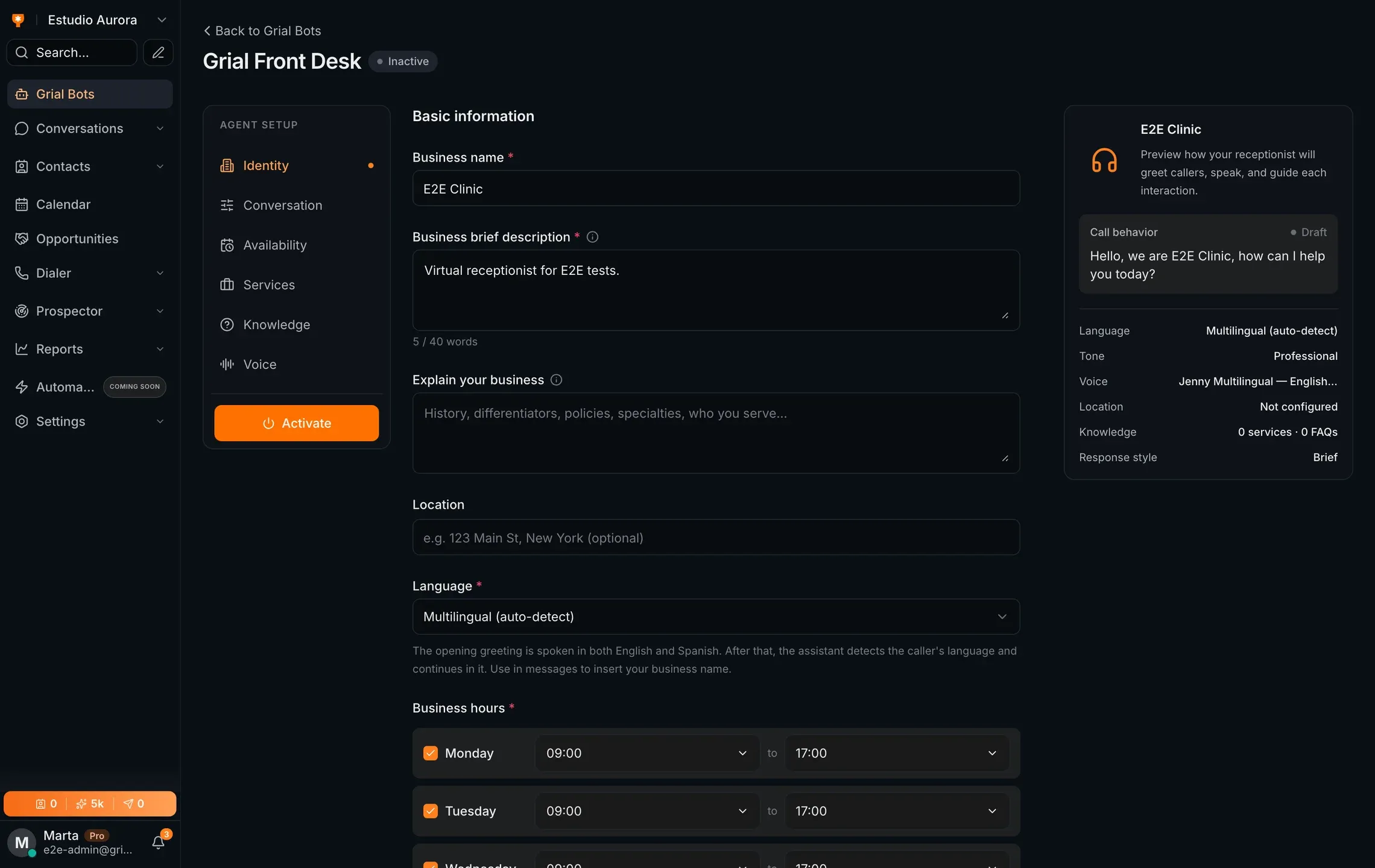
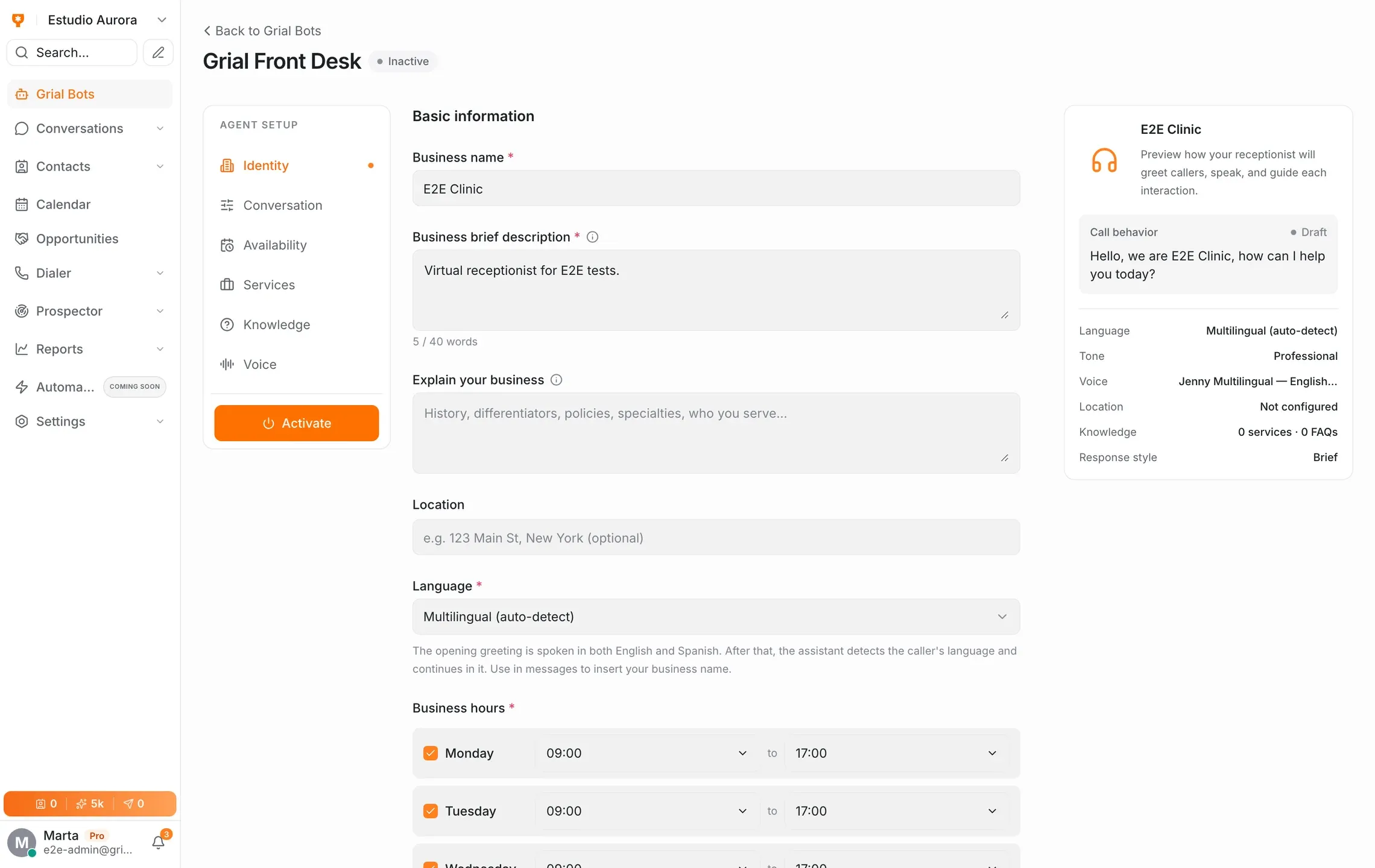
Setup is a description of your business, not a script tree. You give it the facts and the tone; it handles the wording.
Call routing
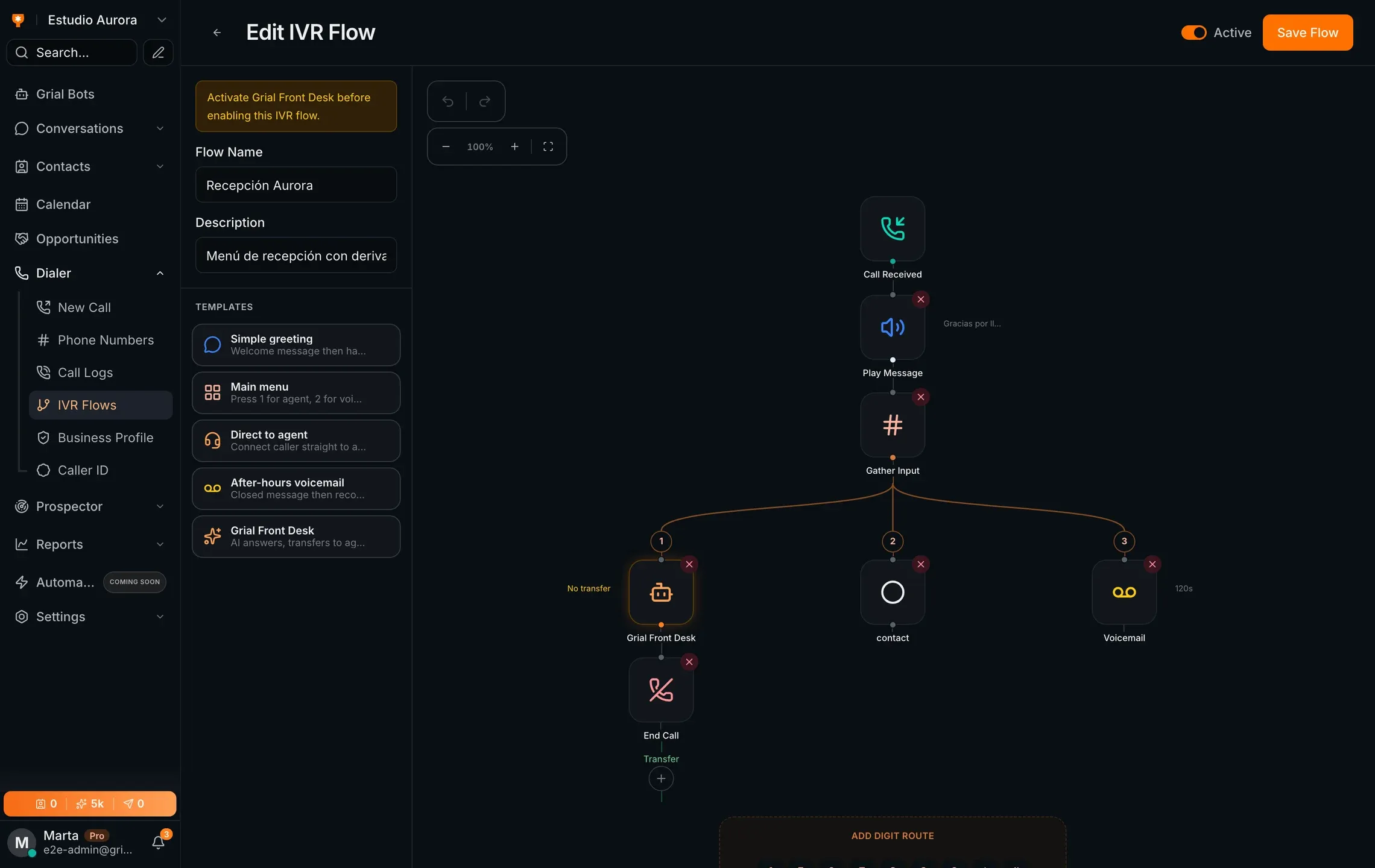
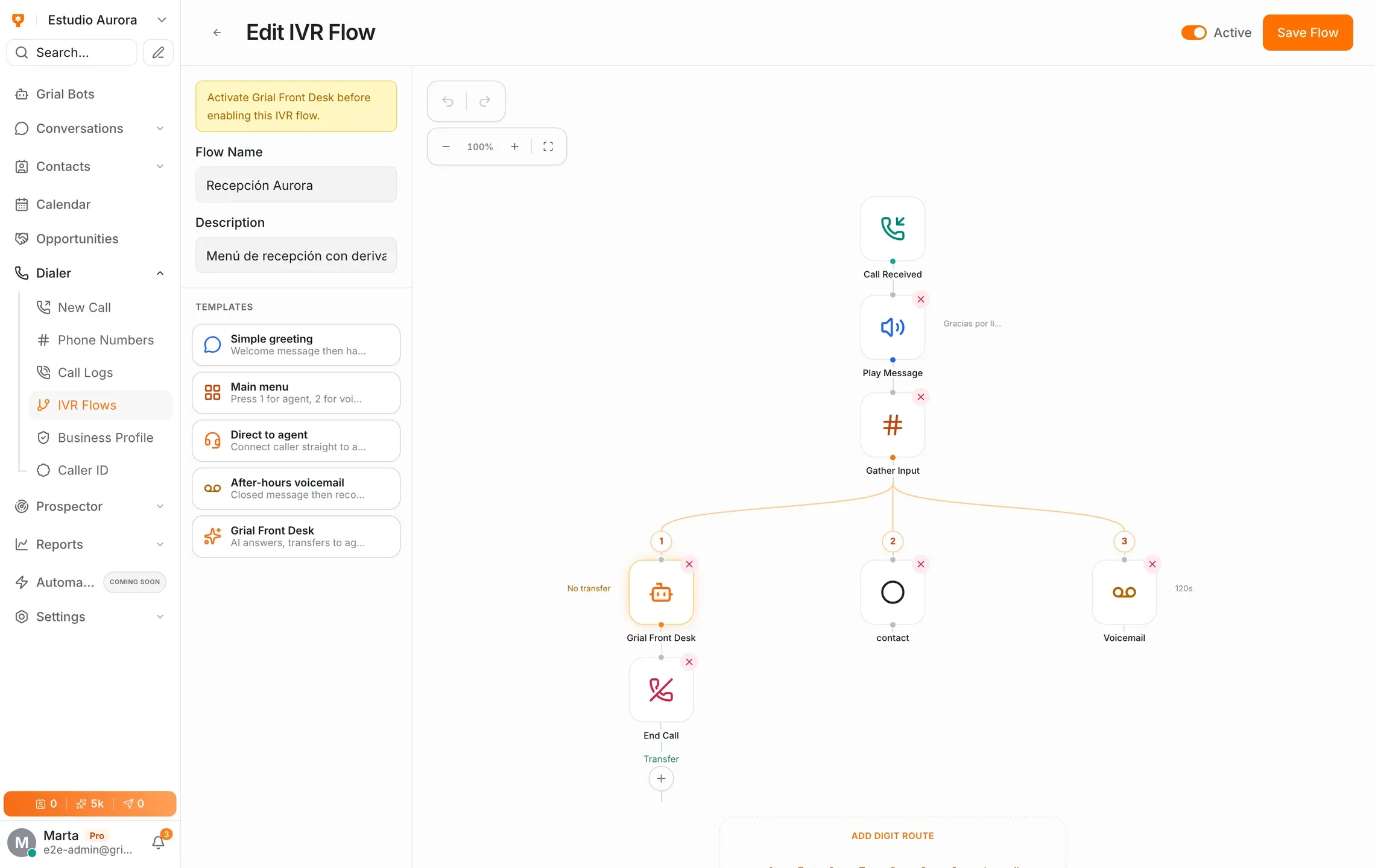
Grial Front Desk is a node in your IVR, not a replacement for it. Send it the calls it should take and route the rest wherever they went before.
Handles calls routed to the AI receptionist within the hours you configure.
Answers from the services, FAQs and your help center, not from guesswork.
Offers real slots and writes the booking into your calendar.
Transfers to a person the moment the conversation needs one.
Every call written up against the contact record.
Books inside your business hours and takes a message outside them.
Calls that used to hit voicemail become booked appointments waiting for you on Monday morning.
Route overflow calls to the AI receptionist using your phone system’s routing rules and capacity.
Prepare answers about services, pricing and availability before launching a campaign.
Grial Front Desk is Grialink’s AI receptionist. It answers calls routed to it, uses your business knowledge, checks availability and books appointments. You choose its response hours, call routing and when a person takes over.
It introduces itself in your business name and speaks naturally. It does not claim to be a specific human being, and you choose the greeting it opens with.
It transfers to a person or takes a message, depending on how you configure it. It answers from the services, FAQs and help center articles you gave it rather than improvising on things like clinical advice.
Yes. The opening greeting can be given in both languages, after which it detects which language the caller is using and continues in that one.
No. It runs on a Grialink number and sits inside your IVR flow as one node. You decide which calls reach it and which keep going where they go today.
Calls draw on the dialer minutes included in your plan, and the AI handling uses AI credits. Both are shown in the app before you activate it.
One connected platform
Start with a free account or request a demo. Discover how Grialink connects customer service, sales and follow-up with AI agents and tools your team can control.
No card for the Free plan · Features and usage vary by plan