The trigger
An appointment is coming up
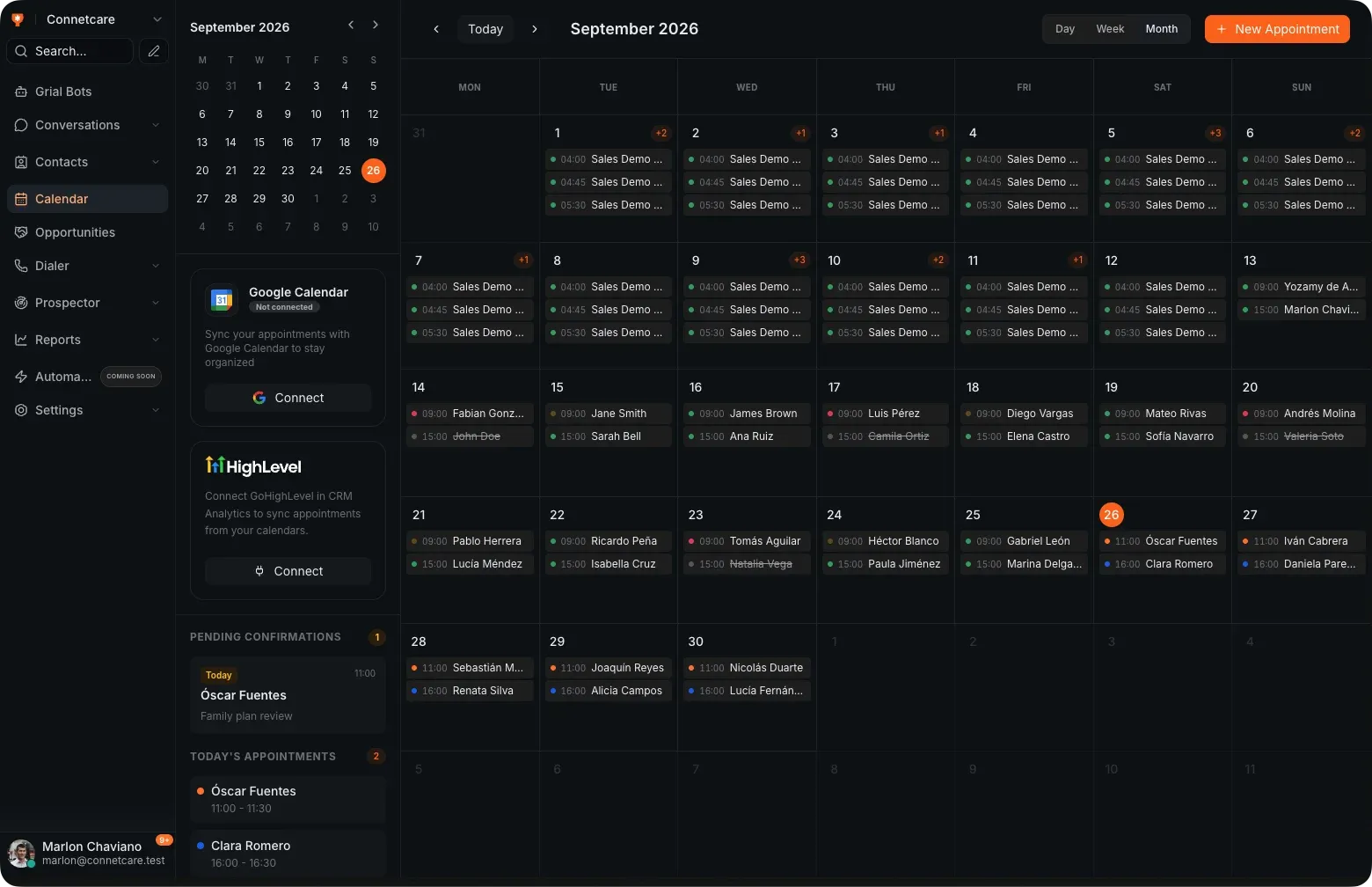
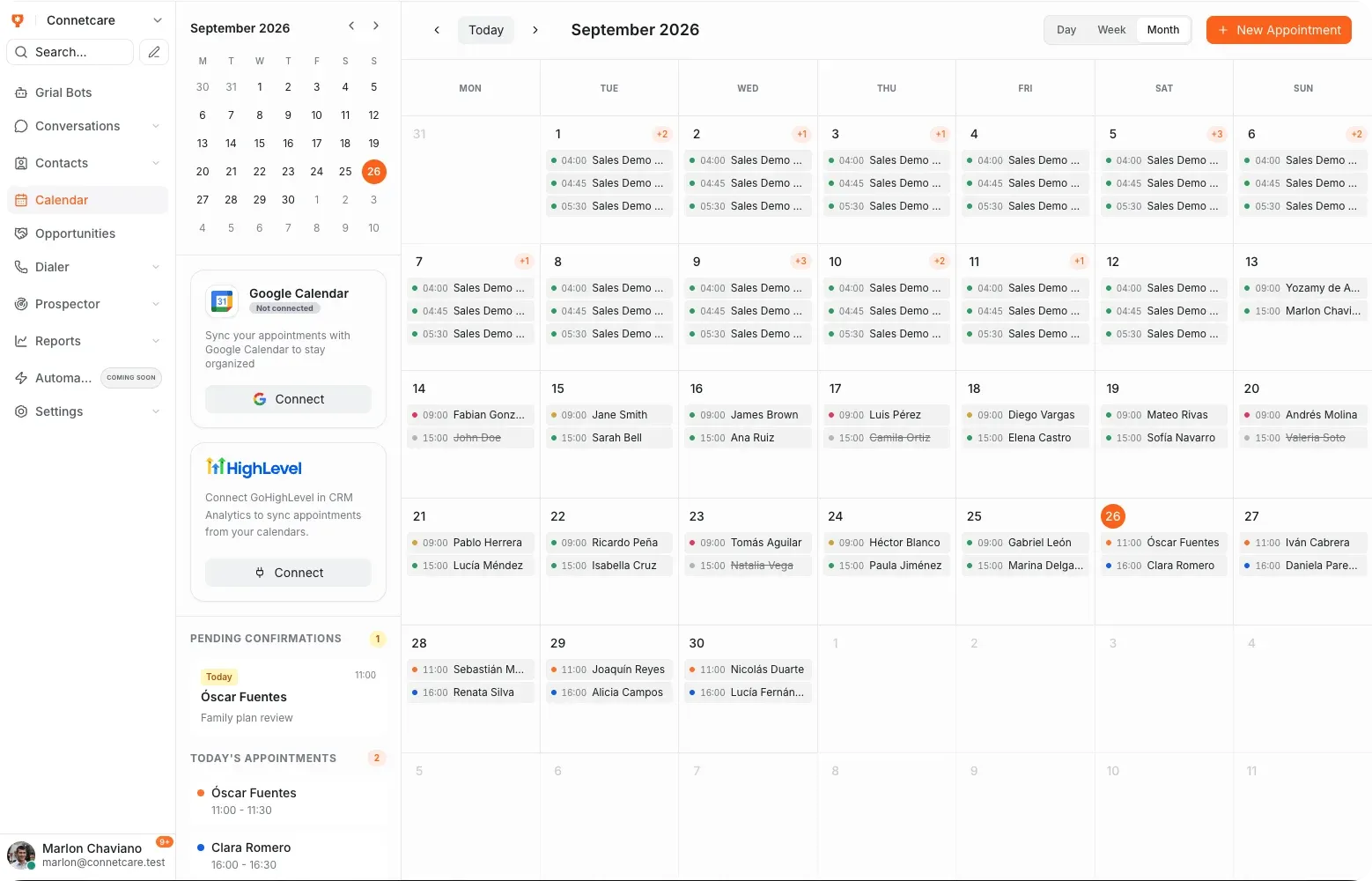
Grial Scheduler watches the calendar and picks the moment to reach out — the day before, the morning of, whatever you set.
Grial Scheduler
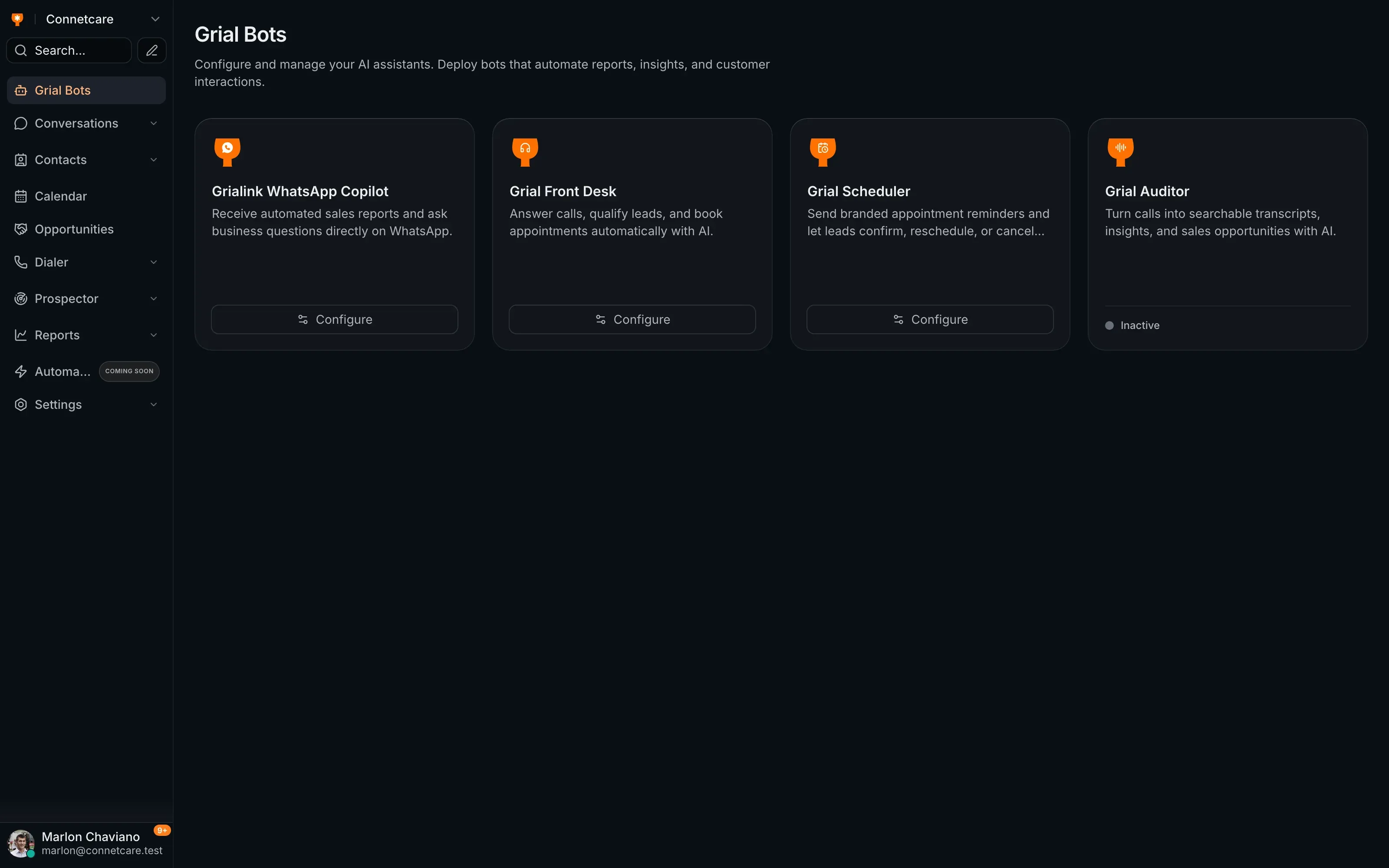
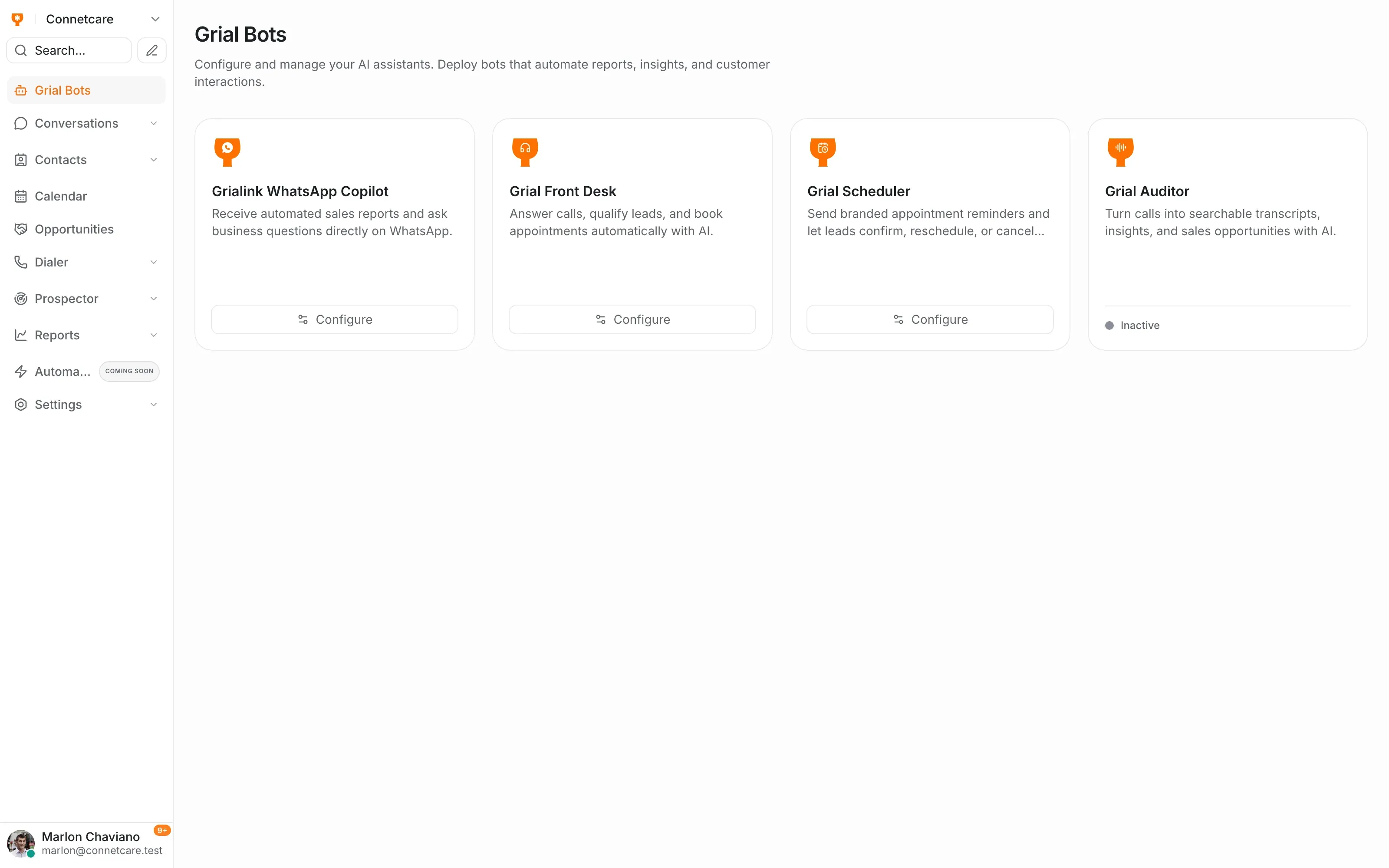
Grial Scheduler is Grialink’s appointment reminder agent. It follows up on existing appointments by email or voice, lets clients confirm or request changes, and records the outcome so your team can work from an updated calendar.
Secure email link or conversational voice call
The trigger
Grial Scheduler watches the calendar and picks the moment to reach out — the day before, the morning of, whatever you set.
Voice
A real call that asks them to confirm, move or cancel, and writes the answer straight back to the calendar.
Email & WhatsApp
The same ask as a message with a one-tap link. Whichever they answer on, the diary updates once.
When the team discovers a no-show on the day, it is too late to recover the slot — and too early to stop repeating the same phone round tomorrow.
01
Someone checks the calendar, calls every client, and tries again with the people who did not answer.
02
The client sees the reminder, but if they cannot attend they need an immediate way to cancel or choose another time.
03
A call, an email and a separate note leave the calendar and the team holding different appointment states.
Scheduler works through the list automatically and only alerts staff when there is a decision or an exception.
They can act from an email or resolve it by speaking to the voice agent, without waiting for reception.
A cancellation or reschedule updates the calendar immediately so the original time can be booked again.
Set the cadence once; Scheduler runs every reminder and records the answer.
It reads the client, service, date and time from the calendar, then respects your chosen intervals and quiet hours.
The email carries a secure link; on voice, the agent explains the appointment and asks what the client wants to do.
The decision is written to the calendar, the slot is released or moved, and the team receives the update.
The reminder
Set the cadence and channel once. Scheduler sends the email or places the call at your chosen intervals and stays quiet outside permitted hours.
Self-service
From the email link or while speaking with the voice agent, the client can confirm, choose another slot or cancel. The result reaches the calendar and your team.
Email with a secure link or a voice-agent call; if the call cannot be delivered, it falls back to email automatically.
Pick one or more reminders, each set in hours before the appointment.
Set a start and end time so reminders pause overnight in your timezone.
Name, role, tone, language and signature — it sounds like your business.
Name, date, time, service, specialist and business drop into every message.
Anyone who asks not to be called again is recorded and skipped automatically.
The reminders go out on their own, so nobody spends the afternoon calling tomorrow's list.
A client who is going to cancel does it from the link or during the call days ahead, leaving the slot open for someone else.
Instead of not turning up, the client picks another free slot themselves and stays in the calendar.
Grial Scheduler is Grialink’s appointment reminder agent. It follows up on existing appointments by email or voice, lets clients confirm or request changes, and records the outcome so your team can work from an updated calendar.
No — that is Grial Front Desk's job on inbound calls. Scheduler takes over once an appointment exists: it confirms it, reminds about it, and handles changes to it.
For voice reminders, email can provide a fallback when a contact has no phone or the call cannot be delivered. The contact must have an available email address.
Yes. If someone asks not to be called again during a reminder call, they are added to the voice opt-out list and get no further automated calls until consent is given again.
Not if you set quiet hours. Reminders pause from your start time and resume after your end time, in the timezone you configure.
One connected platform
Start with a free account or request a demo. Discover how Grialink connects customer service, sales and follow-up with AI agents and tools your team can control.
No card for the Free plan · Features and usage vary by plan