Smart Calendar
From conversation to calendar, in one flow.
Grialink Calendar connects appointment scheduling with your customer conversations and contact records. Book visits, track appointment status and use the Google Calendar integration to keep schedules aligned. Grial Scheduler adds automated reminders and confirmation workflows.
Two-way Google Calendar sync
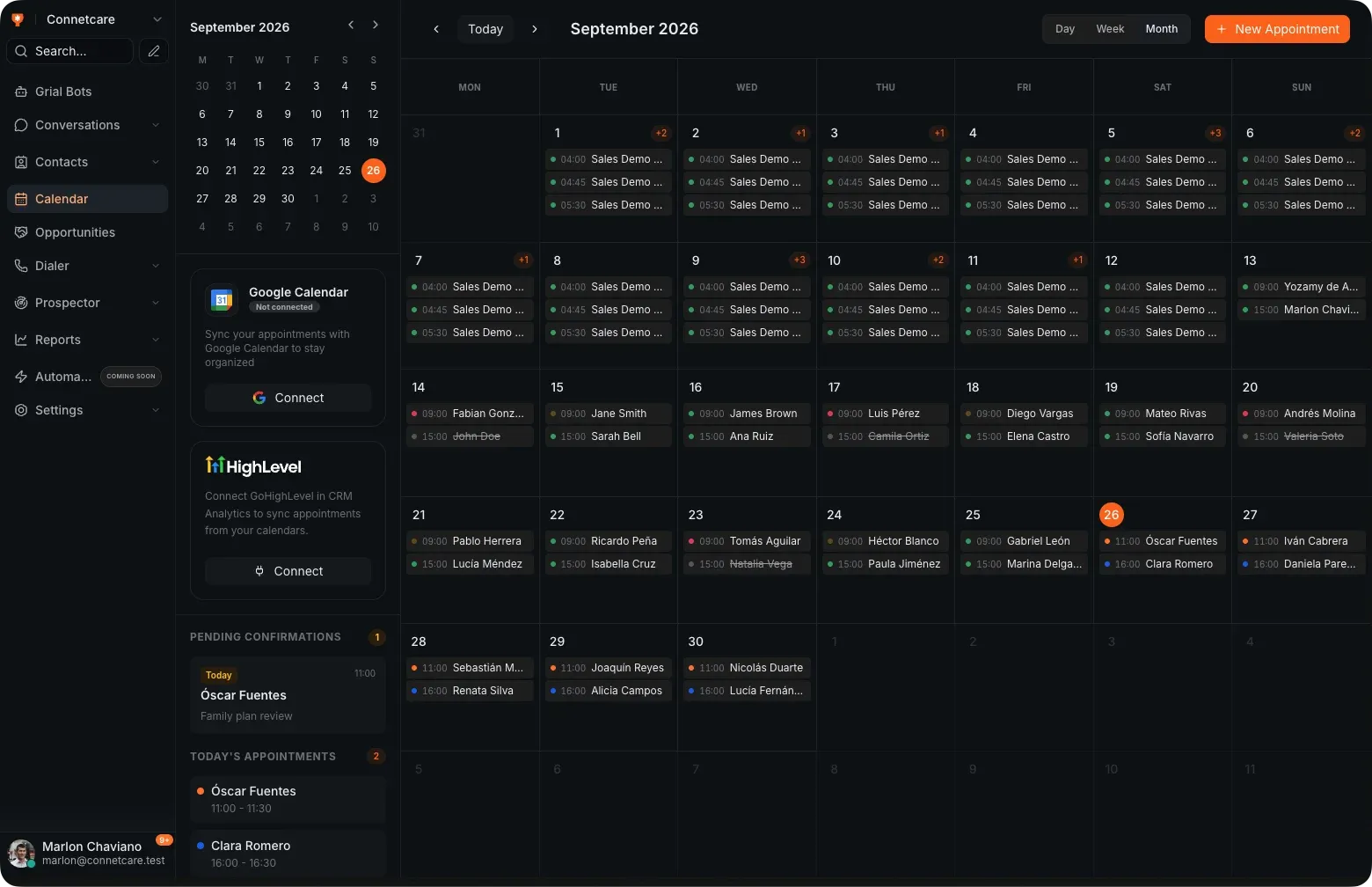
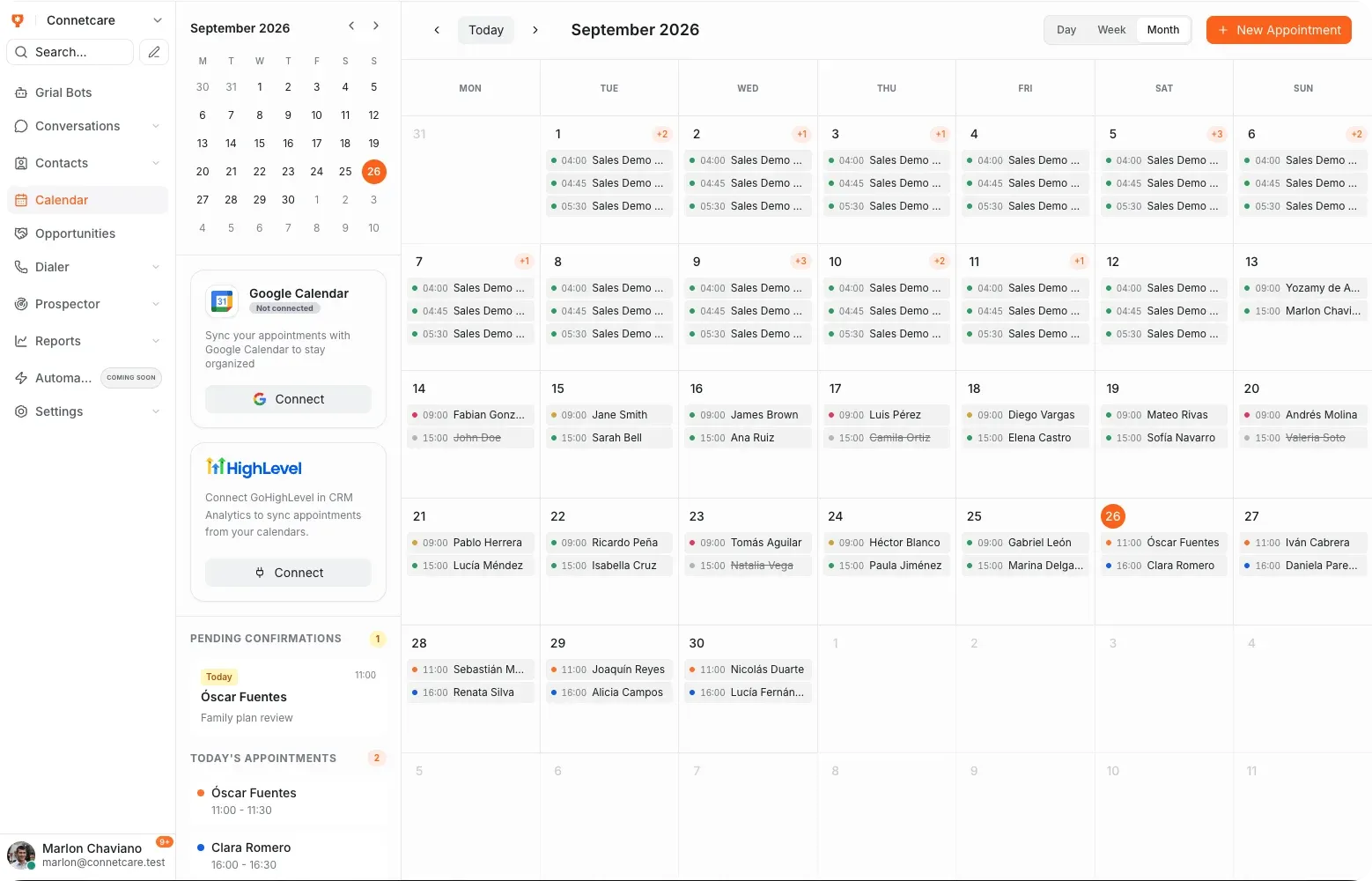
- Two-way Google sync
- Day, week and month
- Book from the chat
- Reminders before the visit
What the calendar handles
-
Two-way sync
Changes made in Google Calendar and in Grialink stay in step.
-
Three views
Day, week and month, depending on how you plan.
-
Confirmation status
See at a glance which appointments are confirmed.
-
Reminders
With Grial Scheduler, send email or voice reminders before an appointment.
-
Booked in context
Appointments are made from the conversation that produced them.
-
Tied to the client
Each appointment sits on the client record with the rest of their history.
The appointment
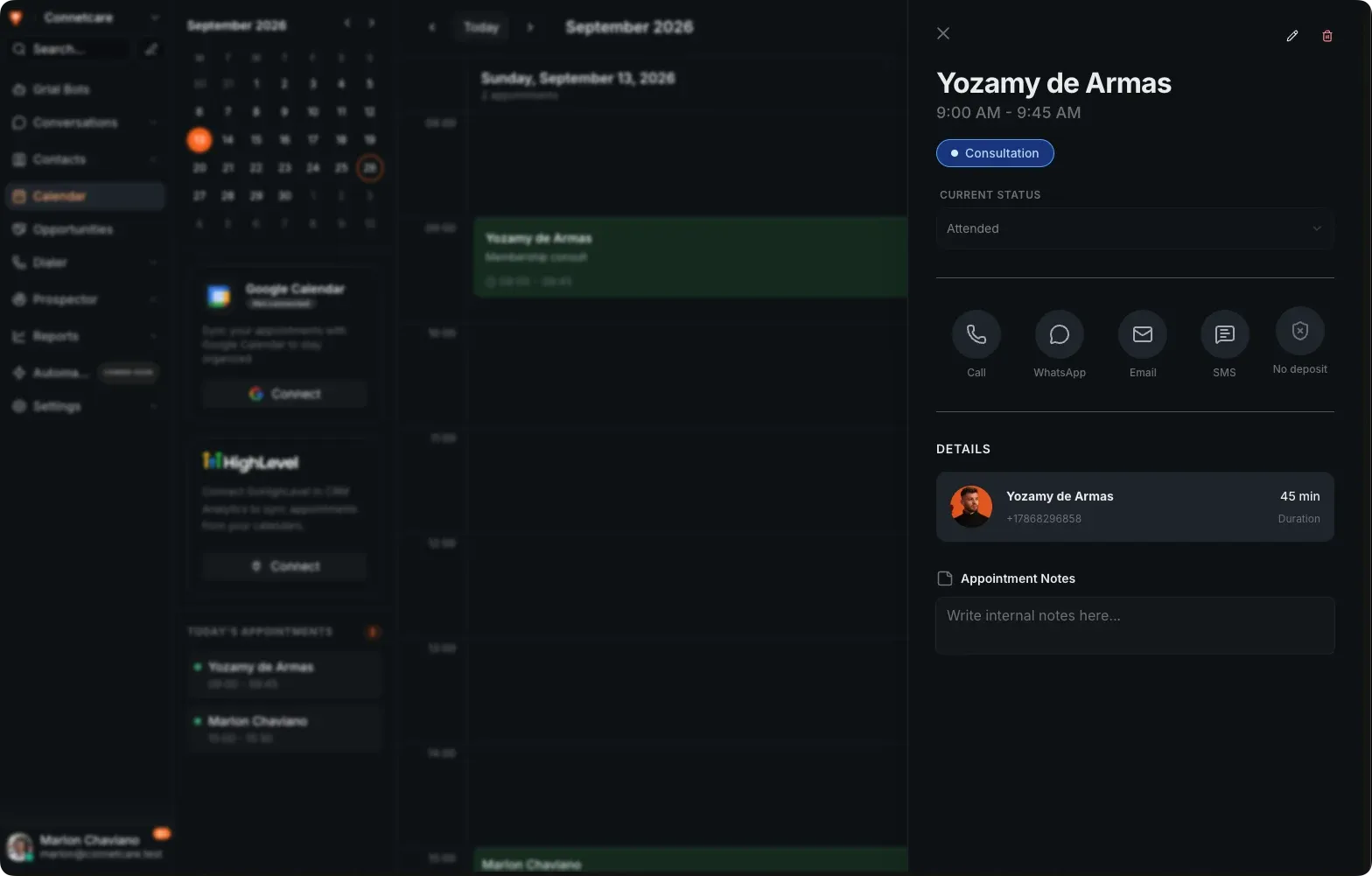
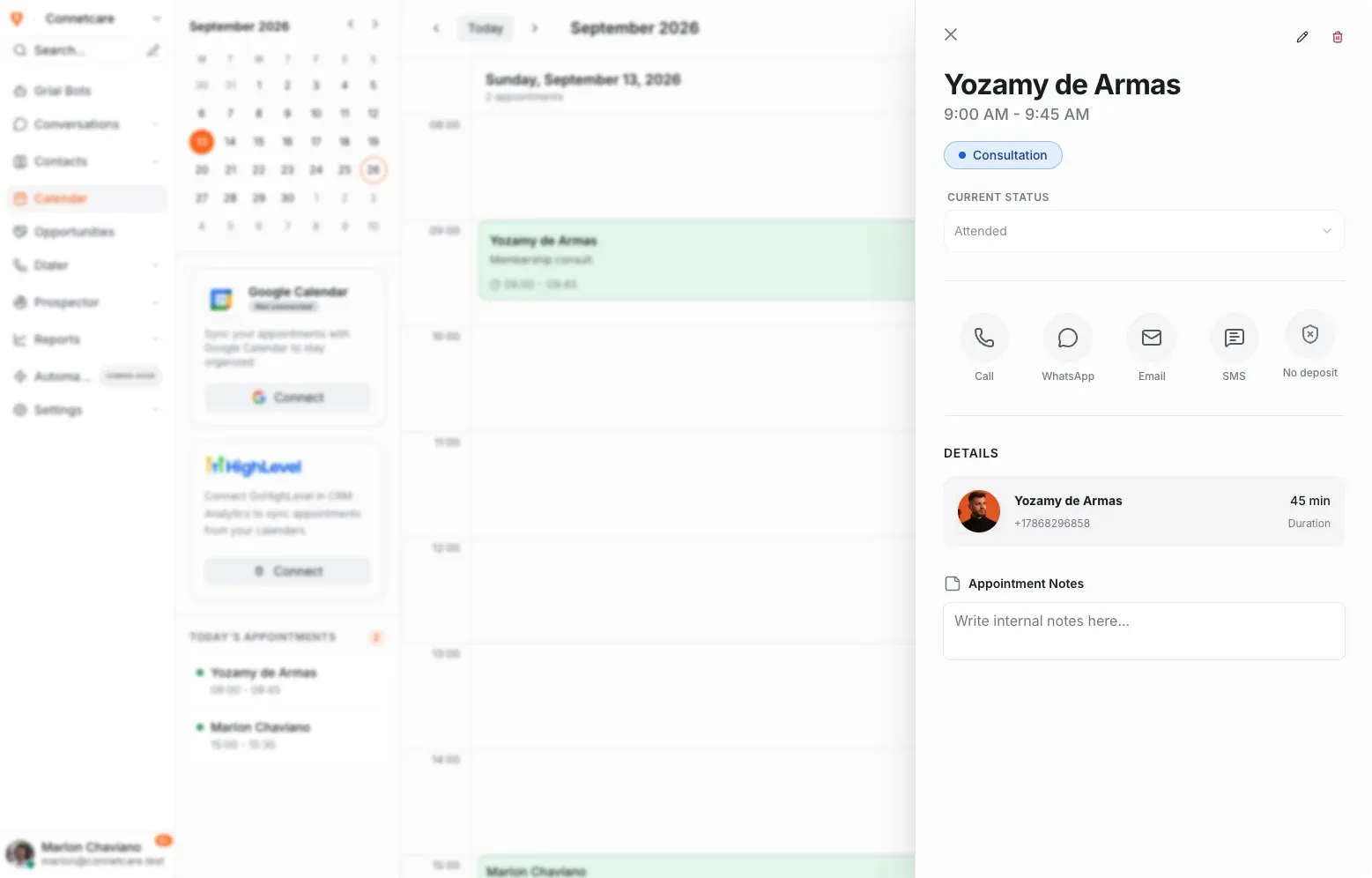
Open a booking and the client is already there
Status, duration, phone number and internal notes on one panel — and the four ways to reach them right beside it, so a confirmation does not start with a search.
- Mark attended, no-show or cancelled from the appointment itself
- Call, WhatsApp, email or SMS the client without leaving the panel
- Deposit status visible next to the booking
- Internal notes kept on the appointment, not in someone’s head
In the conversation
No switching apps to find a free slot
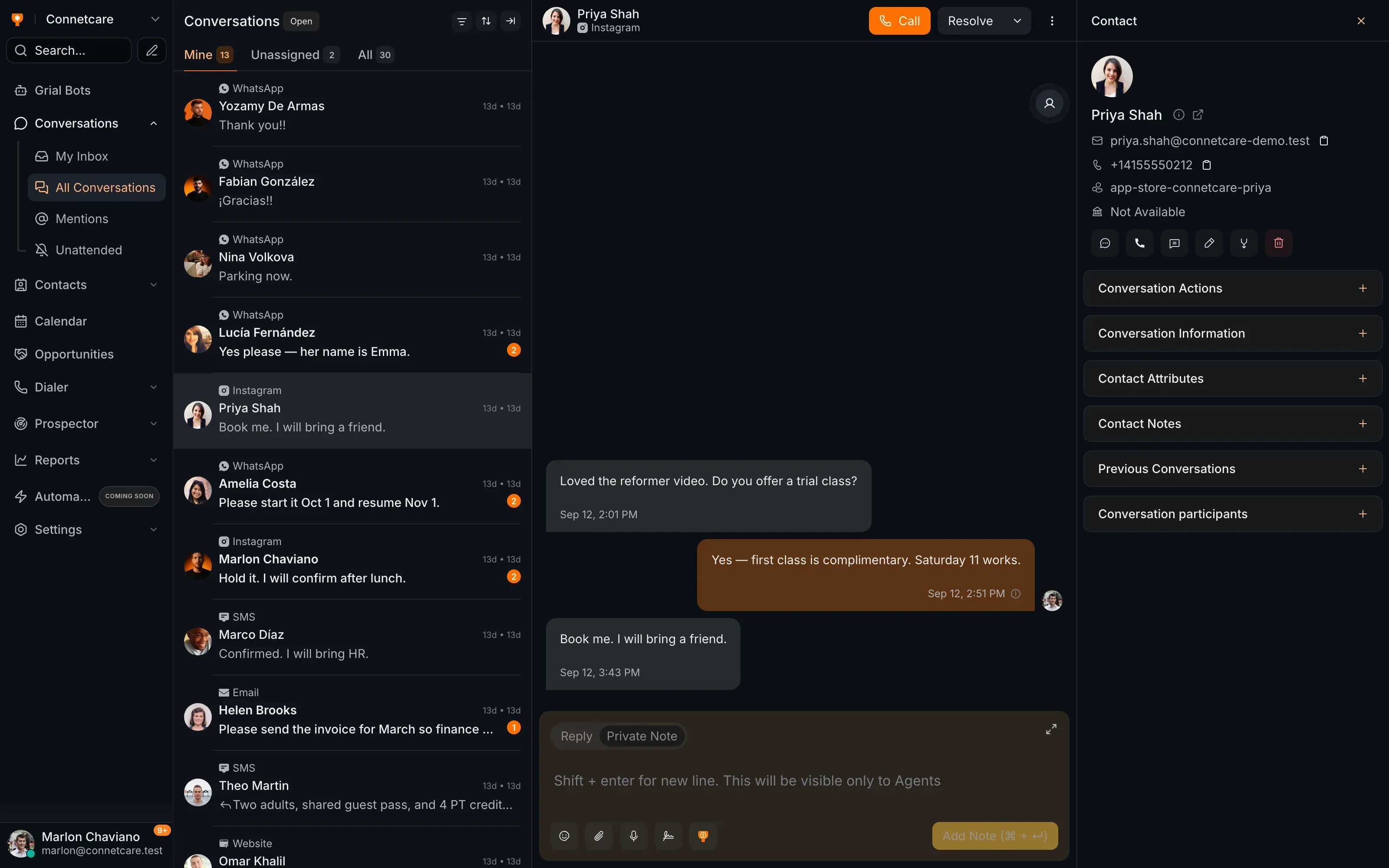
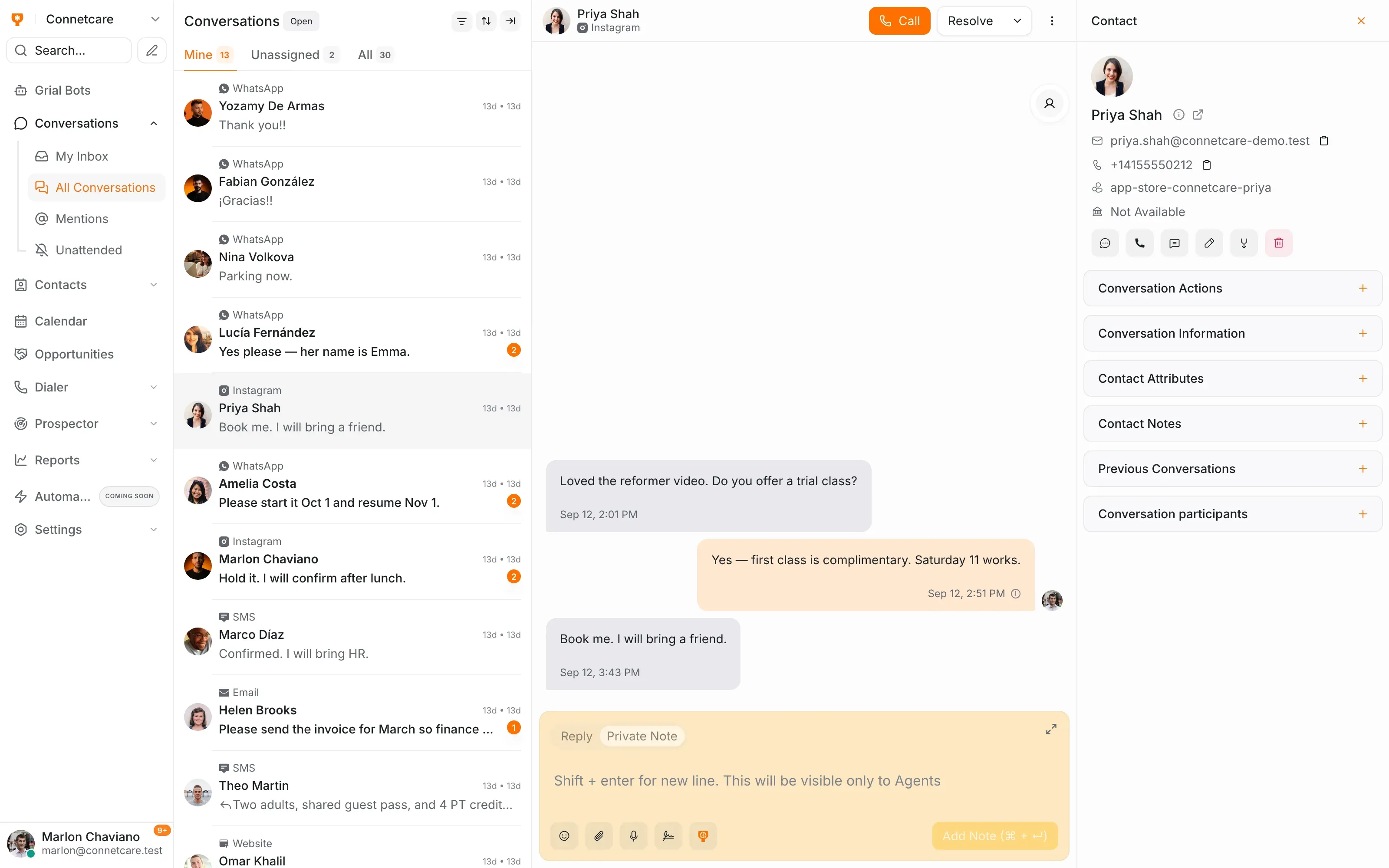
The calendar sits beside the inbox, so whoever is answering can offer a real time and book it without leaving the thread.
- Book straight from the conversation
- Day, week and month views
- Confirmation status visible on every appointment
- Reminders with Grial Scheduler
- Every booking mirrored in Google Calendar
Where it changes the day
-
The client asking 'when can you fit me in?'
The answer is a real slot offered and booked in the same message, not a callback later.
-
A specialist working from Google Calendar
They keep their own calendar and the business still sees the booking, because both sides sync.
-
Reducing no-shows
A reminder goes out before the visit without anyone adding it to a list.
Common questions
What is Smart Calendar?
Grialink Calendar connects appointment scheduling with your customer conversations and contact records. Book visits, track appointment status and use the Google Calendar integration to keep schedules aligned. Grial Scheduler adds automated reminders and confirmation workflows.
Does it work with Google Calendar?
Yes, and the sync runs both ways — a booking made in Grialink shows up in Google Calendar, and a change made there comes back.
Can it send reminders?
Yes. Simple reminders go out ahead of the appointment. If you want confirmation, rescheduling and cancellation handled automatically, that is Grial Scheduler.
Do I need a separate booking tool?
No. Appointments are made from the conversation and stored against the client, so the booking, the chat and the record are the same thing.
One connected platform
Connect the rest of your workflow
Connect your next conversation to the next step.
Start with a free account or request a demo. Discover how Grialink connects customer service, sales and follow-up with AI agents and tools your team can control.
No card for the Free plan · Features and usage vary by plan